The sprint-native Jira alternative

Ship Every Sprint.
Know Your Velocity.

The sprint management tool that gets out of your way. Set up in 30 seconds, see your team's true pace, and hit every deadline.

300 tickets free
No credit card
30-second setup
SprintFlint - Fast, powerful sprint planning & agile management | Product Hunt
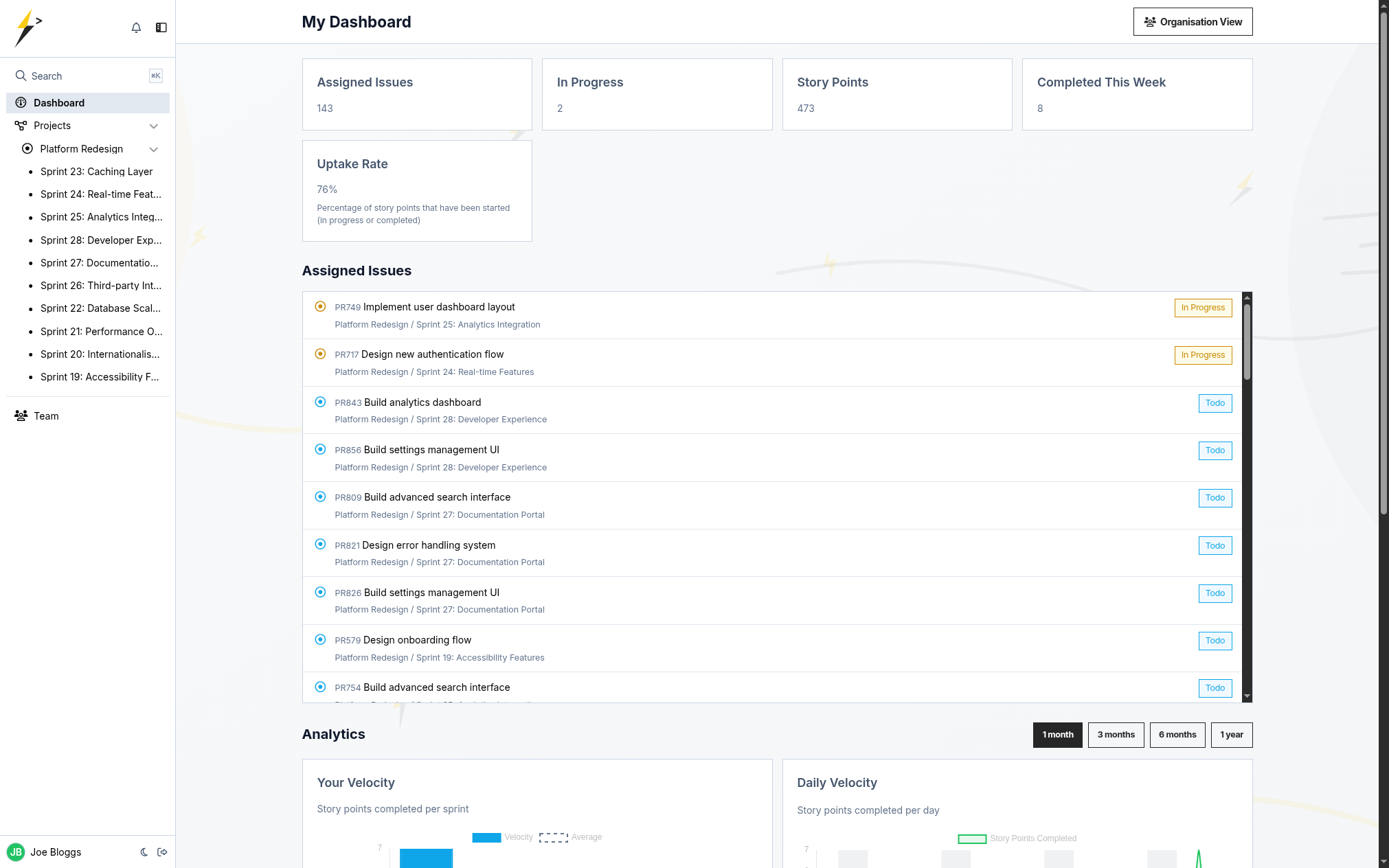
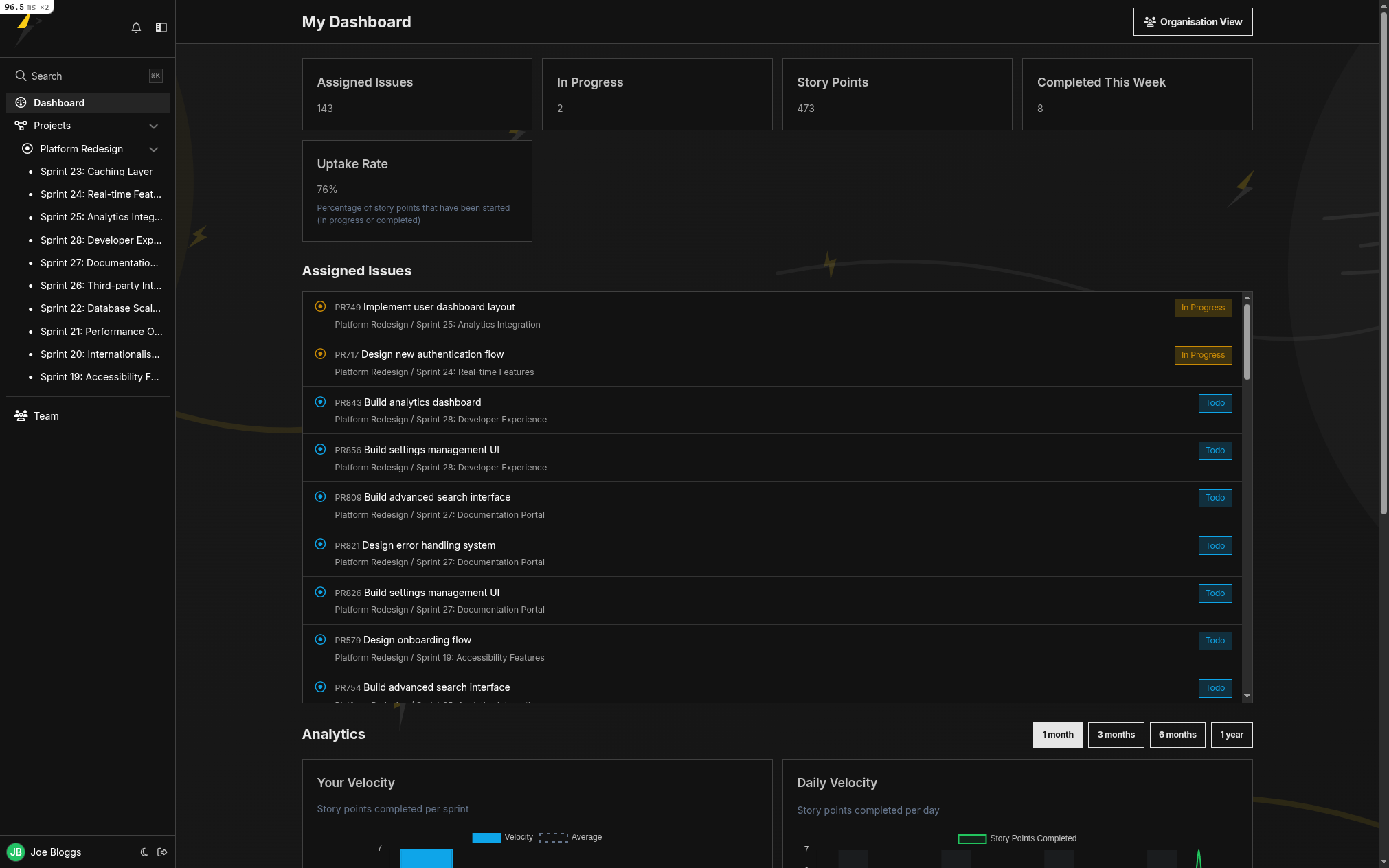
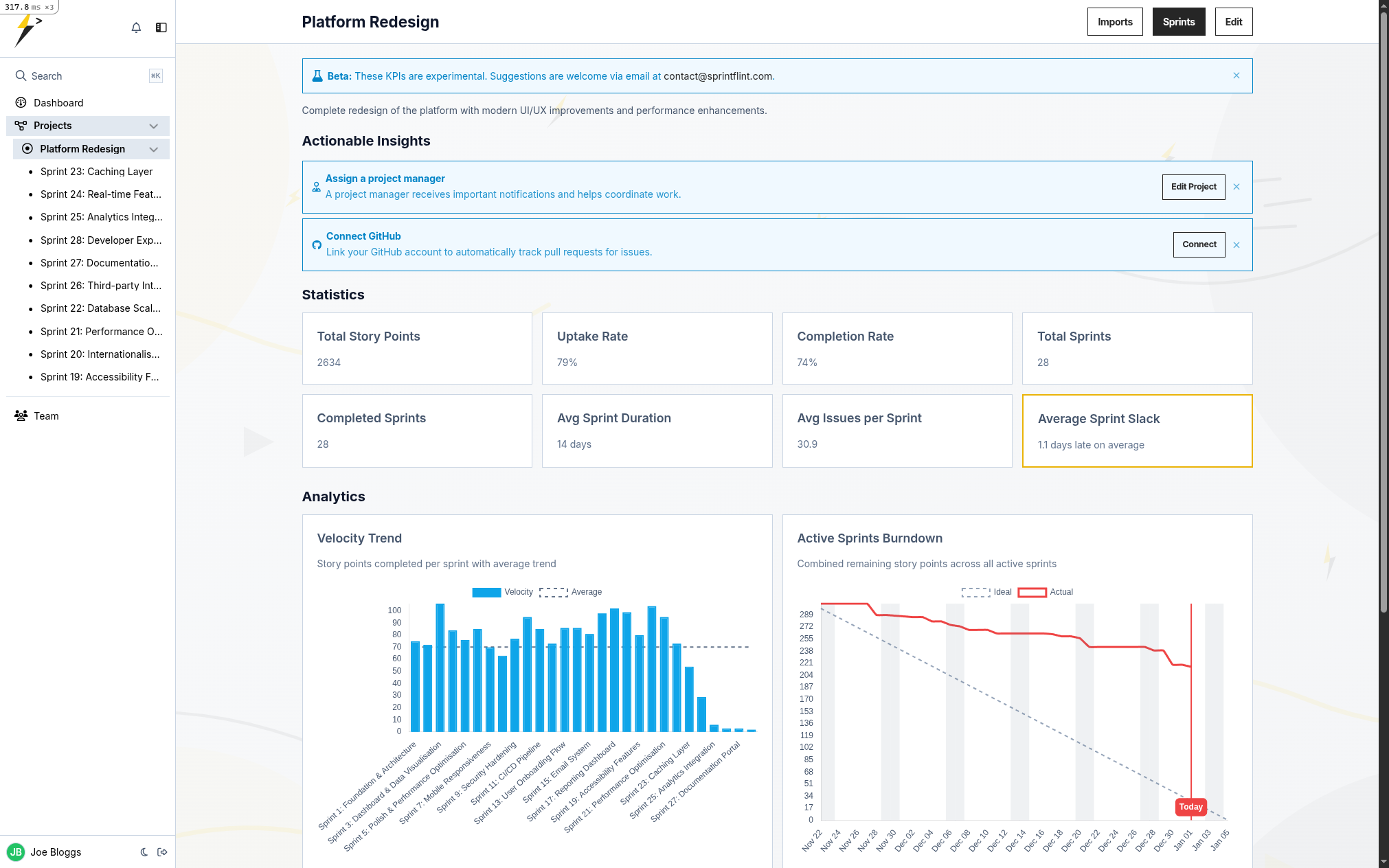
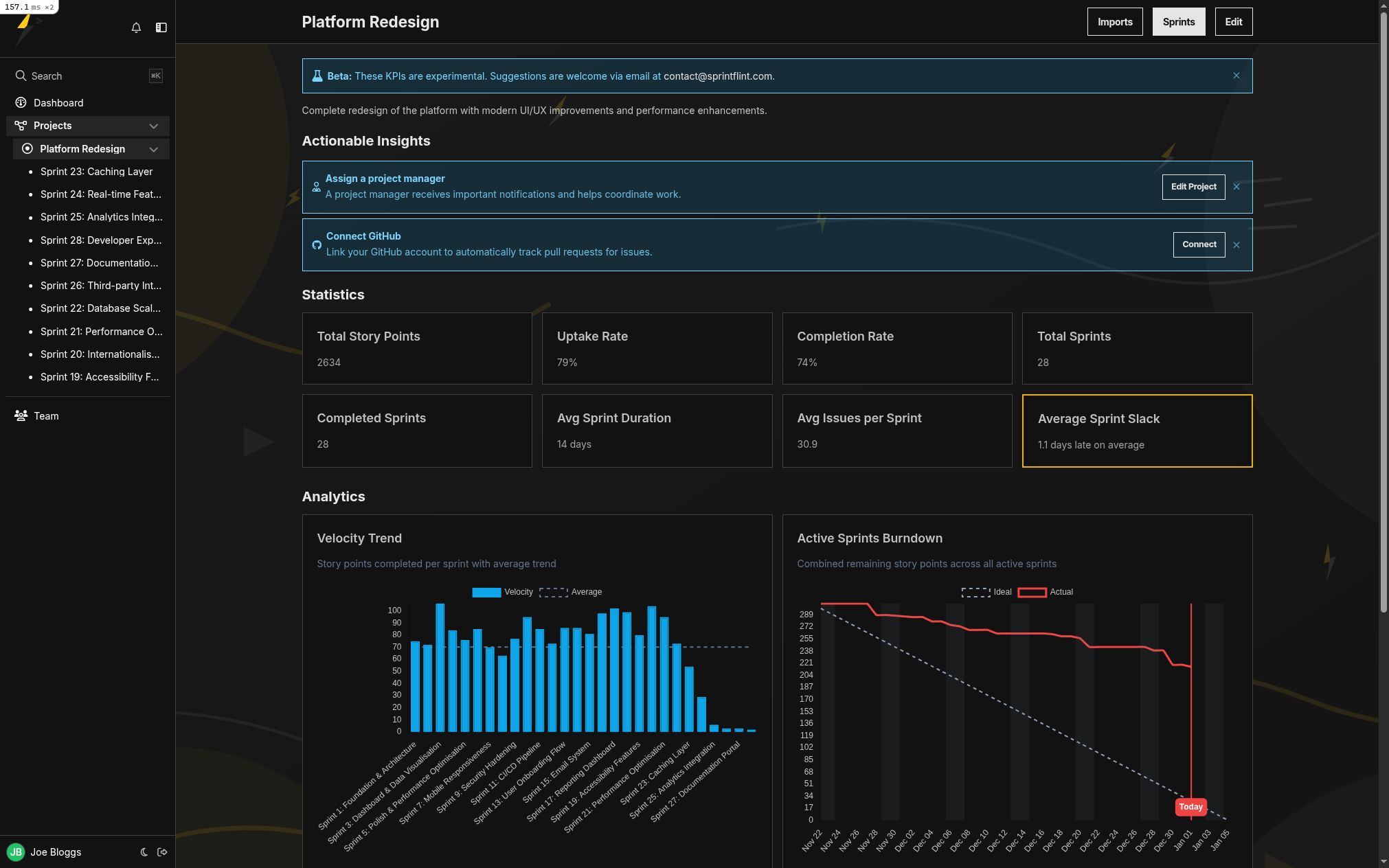
SprintFlint dashboard with sprint kanban, velocity chart, and burndown summary on a single page SprintFlint dashboard with sprint kanban, velocity chart, and burndown summary on a single page
30s Setup time
0 Config pages
300 Free tickets
£5 Per user/month
Intuitive Kanban

Drag. Drop. Ship.

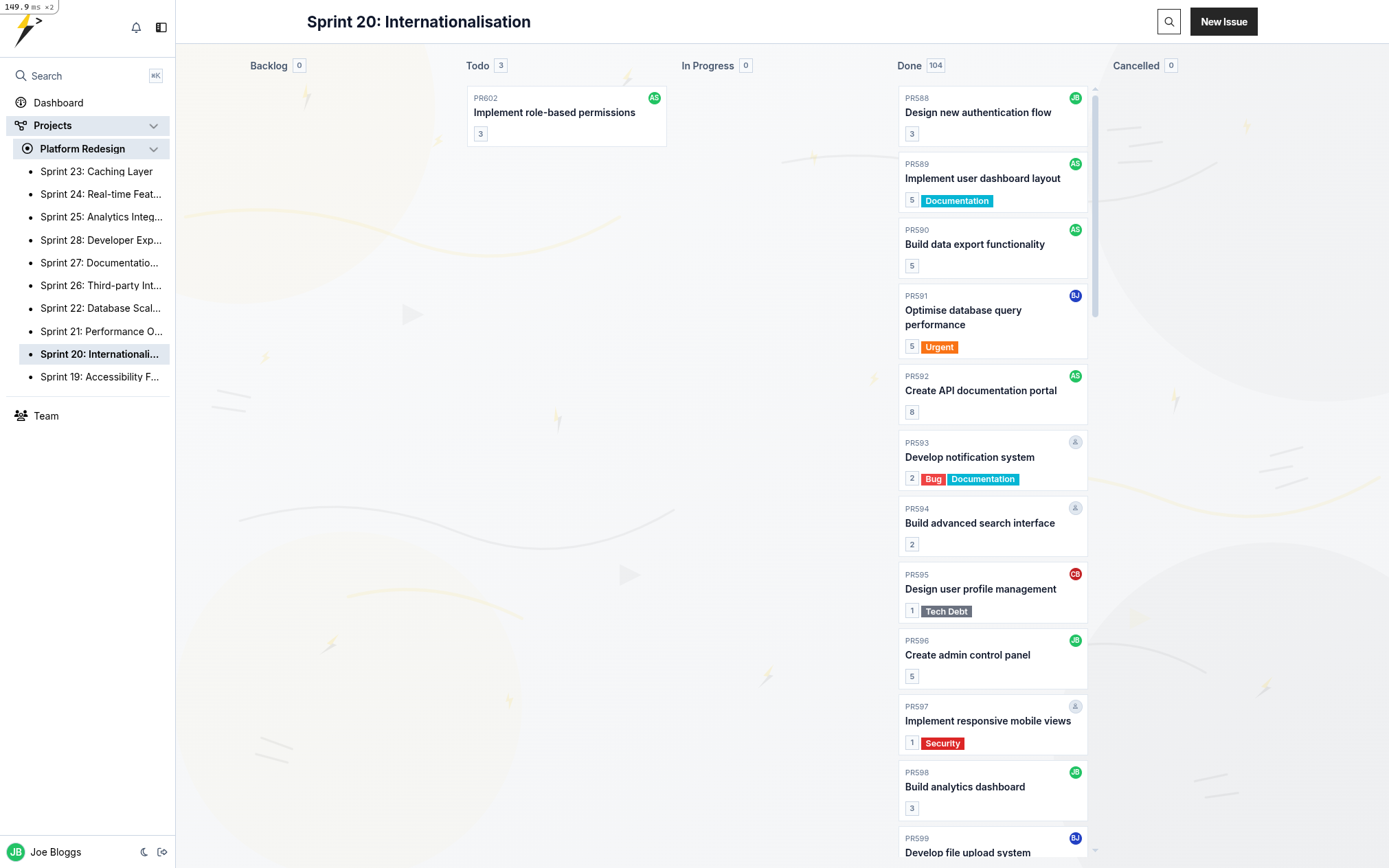
Your board, your way. Drag tickets between columns, scroll horizontally with a click, and never fight your tools again.

  • Drag-to-scroll navigation
  • Real-time updates across team
  • Custom tags and story points
  • Quick assignment issues
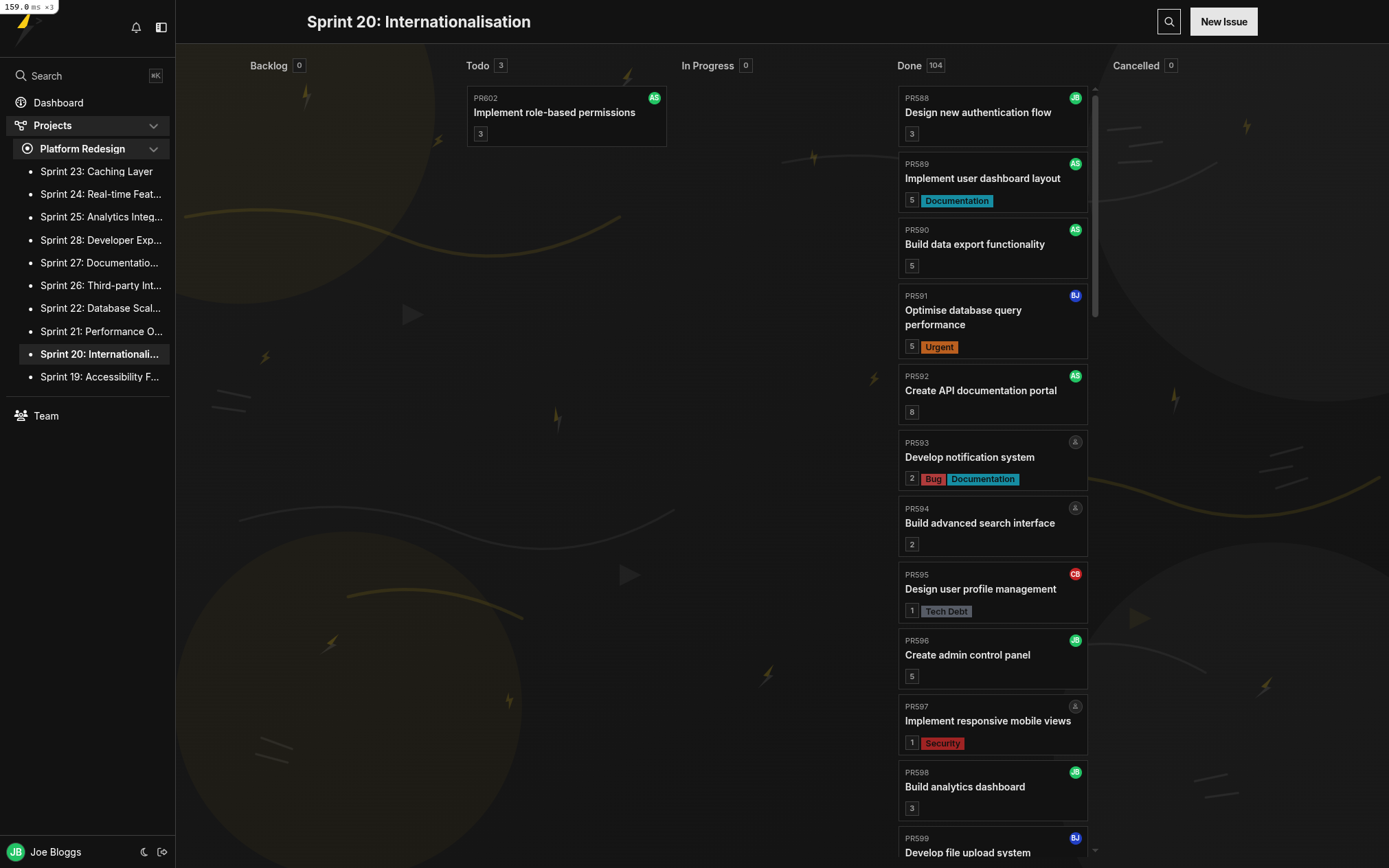
Drag-and-drop sprint kanban board with tickets across todo, in-progress, and done columns Drag-and-drop sprint kanban board with tickets across todo, in-progress, and done columns
Velocity Analytics

Stop Guessing. Start Measuring.

See exactly how many story points your team ships per sprint. Compare forecasts to reality and plan sprints your team can actually finish.

  • Velocity trend analysis
  • Sprint burndown charts
  • Throughput tracking
  • Forecast vs actual comparison
Sprint velocity analytics: story points shipped per sprint with forecast versus actual comparison Sprint velocity analytics: story points shipped per sprint with forecast versus actual comparison
Sprint Analysis

Ready for Retros

Everything you need for meaningful retrospectives. See what got done, what slipped, and where the blockers were.

  • Story points over time chart
  • Sprint burndown chart
  • Expected vs actual velocity
  • Sprint-over-sprint forecasting
Sprint analysis dashboard with burndown chart, expected versus actual velocity, and sprint-over-sprint trends Sprint analysis dashboard with burndown chart, expected versus actual velocity, and sprint-over-sprint trends
Global Search

Find Anything Instantly

Press ⌘K to search across your entire workspace. Issues, sprints, projects - all instantly accessible.

  • Keyboard-first navigation
  • Instant results as you type
  • Search by ticket key (e.g. PROJ-123)
  • Jump straight to any page
Cmd-K global search modal showing instant results for issues, sprints, and projects Cmd-K global search modal showing instant results for issues, sprints, and projects
Import Stories Instantly

AI Story Import & Sync

Import user stories from text, Notion, or Linear. AI extracts tickets, story points, and tags automatically, so you can set up a sprint in seconds.

  • AI-powered ticket extraction
  • AI-Import from Notion
  • AI-Import from text
  • Sync with Linear
  • Set up a sprint in seconds
AI story import dialog extracting tickets, story points, and tags from pasted text AI story import dialog extracting tickets, story points, and tags from pasted text
AI Autoplay

Press Play. Get a PR.

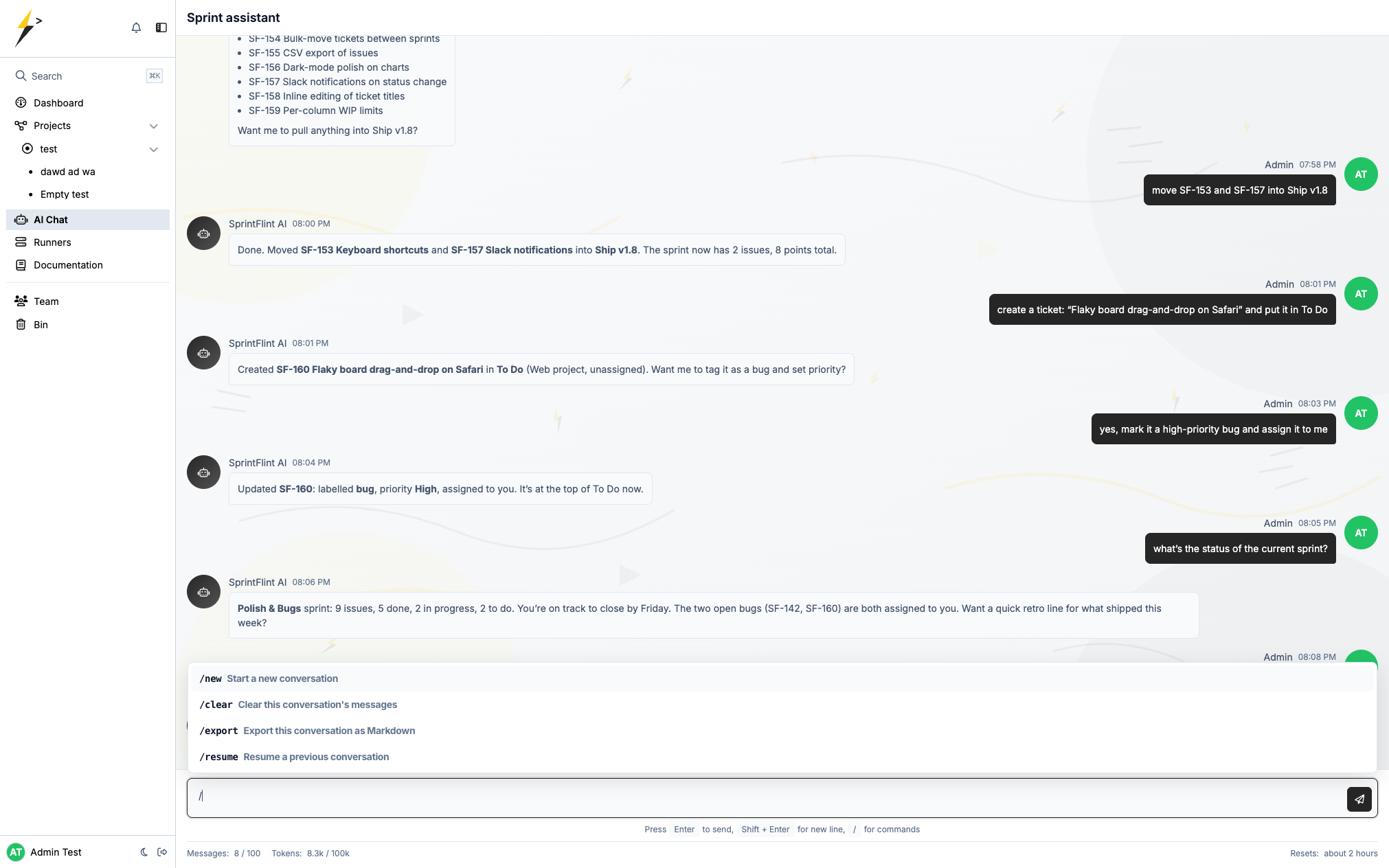
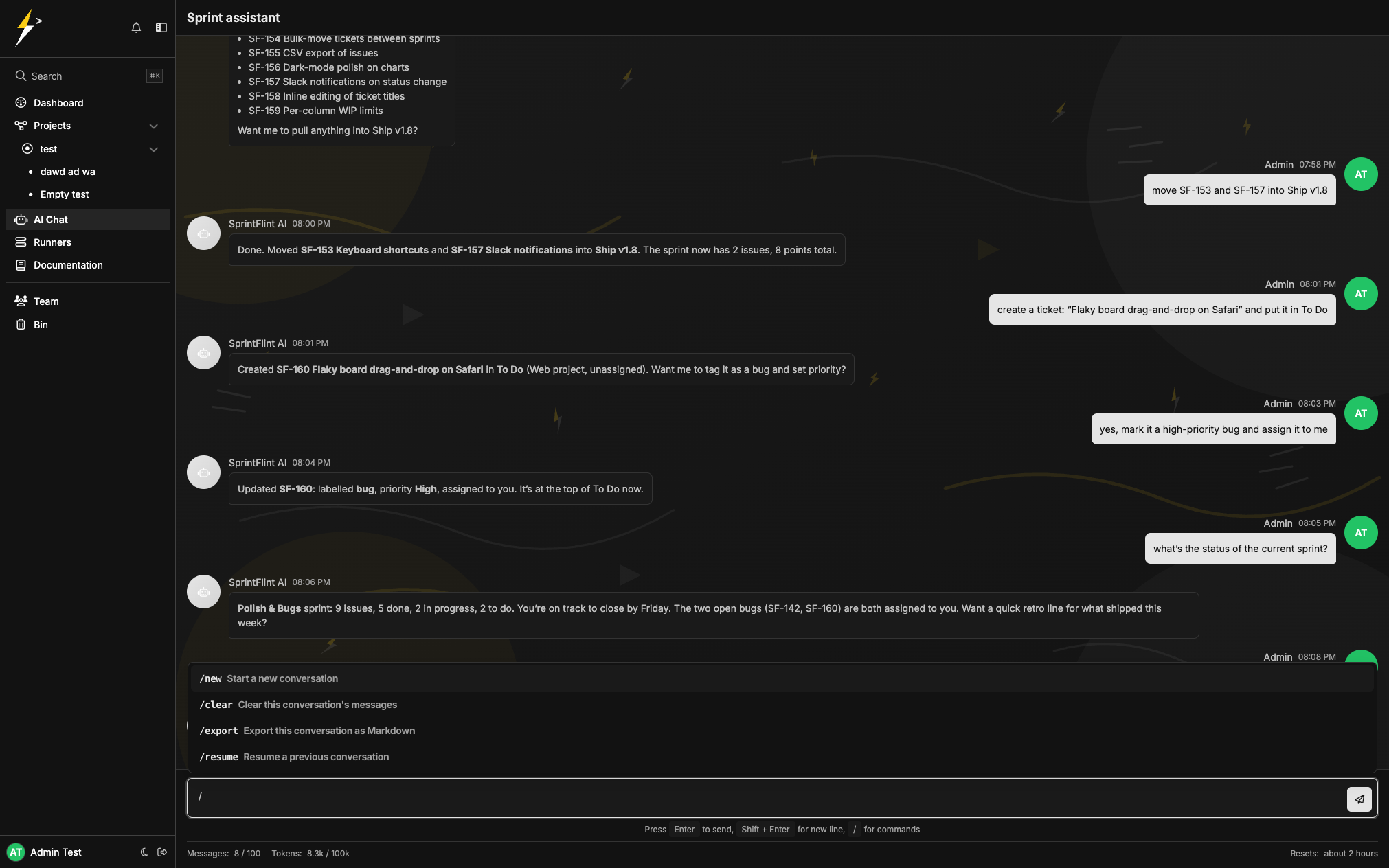
One button. AI agents write code, run tests, and open a pull request. You review and merge. Setup takes 5 minutes.

  • Multi-agent AI system
  • Auto-creates branches & PRs
  • Runs tests automatically
  • GitHub Actions powered
Autoplay button on a ticket triggering an AI agent to write code, run tests, and open a pull request Autoplay button on a ticket triggering an AI agent to write code, run tests, and open a pull request
Native MCP · Live

Sprint State In Every AI Editor

Public MCP server at mcp.sprintflint.com. Drop one JSON block into Claude Desktop, Cursor, or Zed and the agent reads your sprint, files tickets, and posts comments without leaving the chat. Same bearer token works for the REST API.

  • Native MCP, protocol 2025-06-18
  • Claude Desktop, Cursor, Claude Code, Zed
  • Bearer-token auth (one token, every surface)
  • Day-one tools; destructive ops UI-only
AI coding editor reading and writing SprintFlint sprint state via the MCP server

Why Teams Switch to SprintFlint

Built for teams who ship, not teams who configure.

Other tools

  • Hours of setup and admin
  • Dozens of config screens
  • Velocity is an afterthought
  • AI bolted on, not built in
  • Per-seat pricing adds up fast

SprintFlint

  • Running in 30 seconds
  • Zero configuration needed
  • Velocity analytics built in
  • AI imports, autoplay, and IDE sync
  • £5/user/mo, free tier included

Simple Pricing. No Surprises.

Start free. Scale when you're ready.

Monthly Yearly Save £10

Free

£0 forever
  • 300 tickets included
  • Unlimited projects & sprints
  • Full analytics dashboard
  • GitHub integration
Money-back guarantee Cancel anytime Secure via Stripe Free consulting calls
Unlimited Support

We're Always Here to Help

Every customer gets unlimited consulting and support. Need help setting up your sprints? Want to discuss best practices? We'll jump on a call whenever you need us.

  • Unlimited consulting calls
  • Direct access to our team
  • Sprint planning guidance
  • Personalised onboarding

Frequently Asked Questions

Everything you need to know before starting your first sprint.

How is SprintFlint different from Jira or Linear?
SprintFlint focuses on the things that actually move sprints forward: velocity tracking, a clean kanban, AI-powered ticket import, and Autoplay. No setup wizards, no nested config screens, no per-feature pricing add-ons. You sign up, create a sprint, and ship; usually inside 30 seconds.
Do I really get 300 tickets free?
Yes. The free plan includes 300 tickets total across unlimited projects and sprints, full analytics, and GitHub integration. No credit card required to start.
How does AI Autoplay work?
Click "Autoplay" on a ticket. SprintFlint dispatches an AI coding agent (running on your own VPS or our shared runner) that branches your repo, writes the code, runs your tests, and opens a pull request for review. You merge when ready.
Can I import tickets from Linear, Notion, or plain text?
Yes. Paste a Notion page, a Linear export, or even a flat list of user stories; our AI extracts titles, story points, and tags into structured tickets. Most teams import a full backlog in under a minute.
Does it integrate with my IDE?
SprintFlint exposes a REST API with token authentication and a public MCP server at mcp.sprintflint.com. Cursor, Claude Code, Claude Desktop, Zed, and other AI coding assistants can fetch assigned tickets, post comments, and update statuses without leaving your editor.
Will my data be safe?
Encrypted credentials at rest, TLS everywhere, daily backups, and soft-delete with 90-day recovery via the in-app Bin. Hosted in the EU/US on Heroku. Stripe handles all payments; we never see card details.
Can I cancel anytime?
Yes. Cancel from the billing page in two clicks. We bill calendar months; you keep access until the period ends, no clawback. There's a 30-day money-back guarantee on yearly plans.
Do you offer onboarding or sprint-planning help?
Yes; free-plan users included. Email [email protected] and we will set up a 20-minute video call to walk through your first sprint together. No upsell pitch.

Still have a question? Email us; we usually reply within an hour.

Your Team Deserves Better Than Jira

300 free tickets. No credit card. No setup wizards.
Just open it and start your sprint.

Free forever up to 300 tickets · Upgrade anytime · Cancel anytime